
Mobile MIDI — Turn Your iPhone into a MIDI Controller
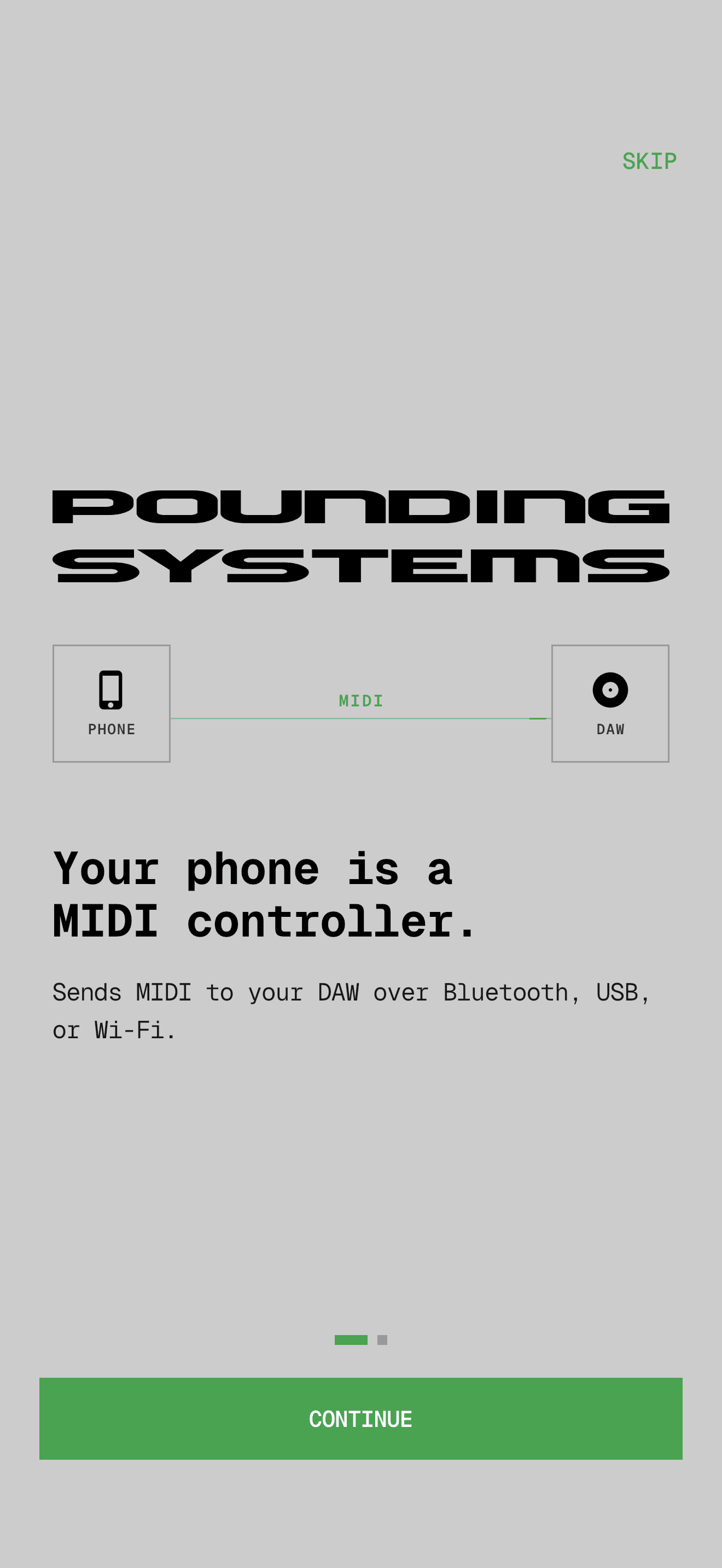
Touch pads, motion, face, hands, AirPods — all mapped to MIDI, all streamed to your DAW over Bluetooth, USB, or Wi-Fi.
Key Features
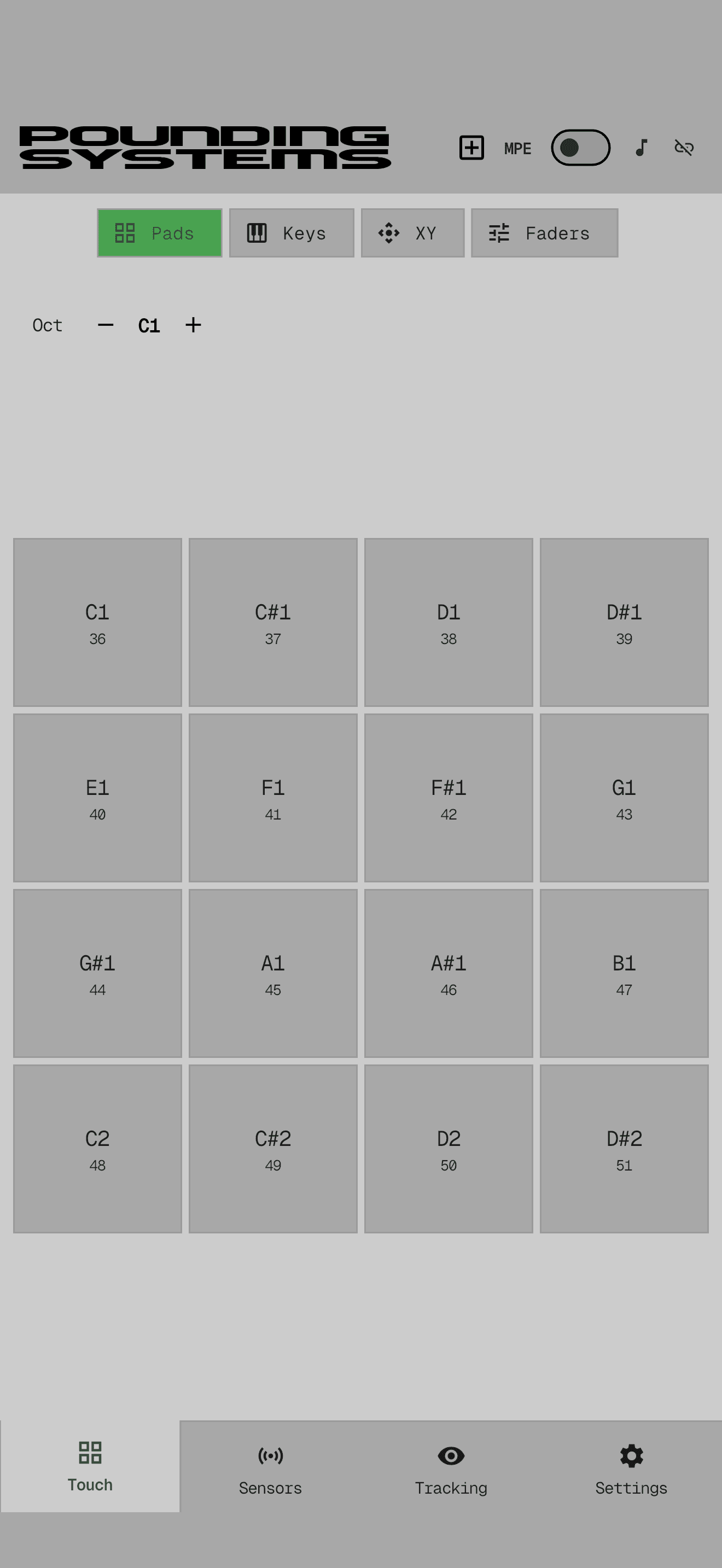
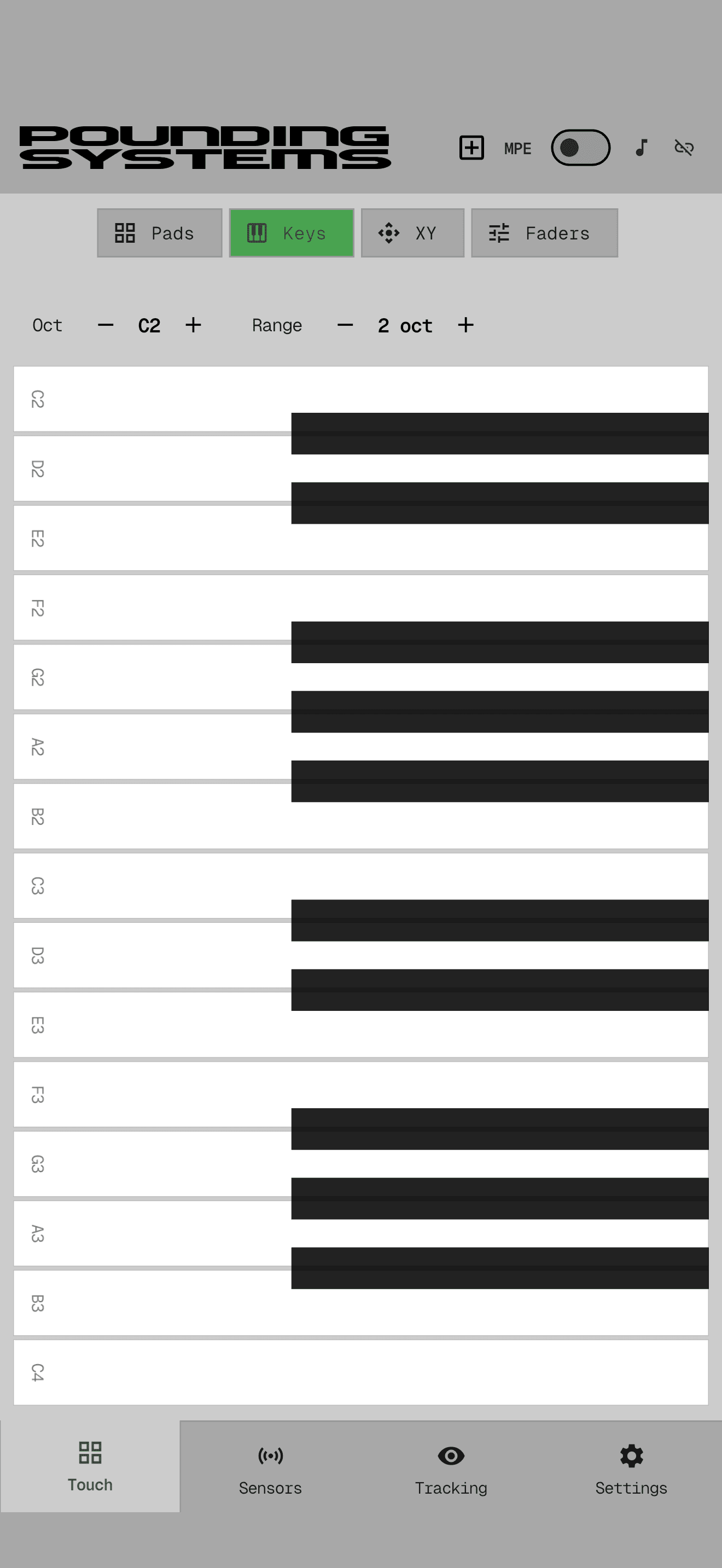
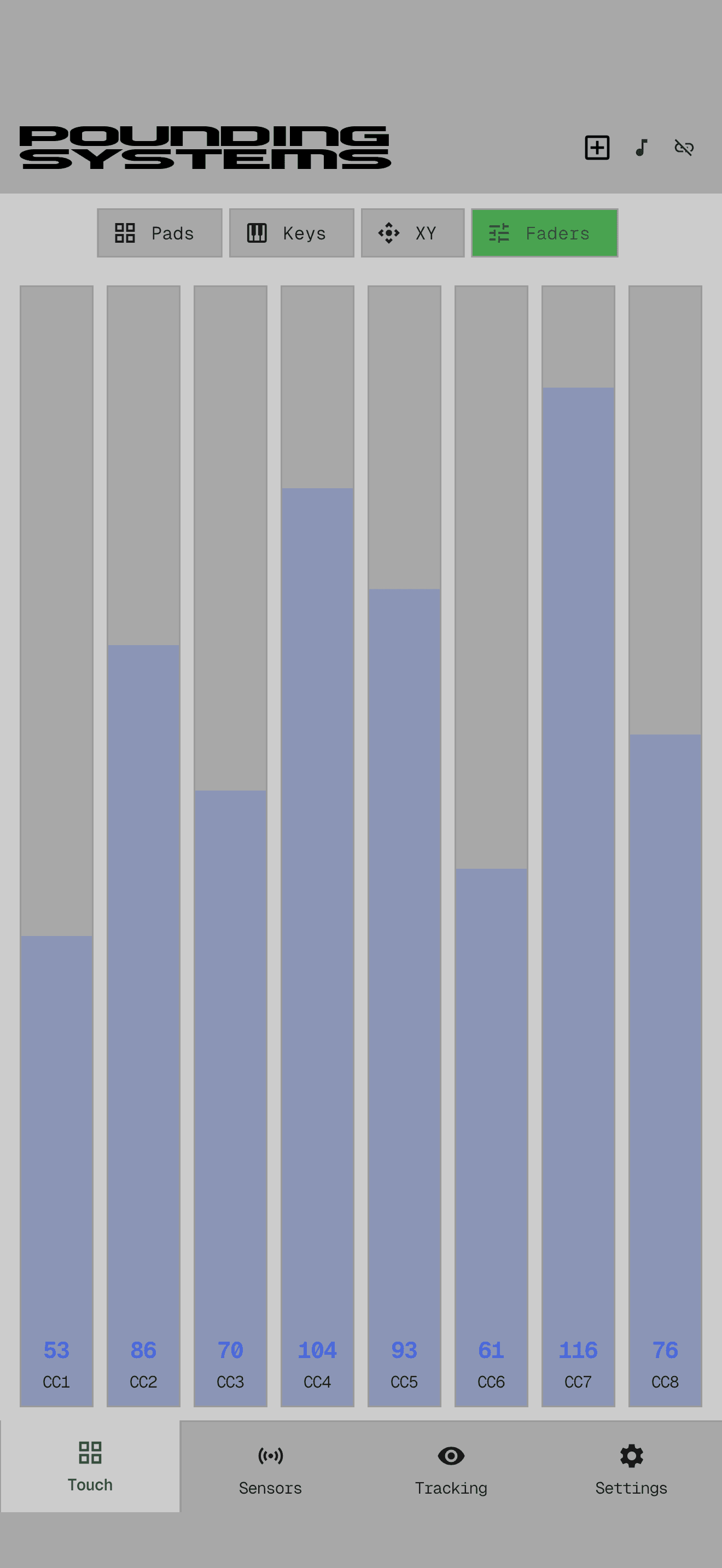
Touch Templates
Drum pads, piano keyboard, XY controller, and fader bank — all multitouch, all ready out of the box.
Custom Layouts
Build your own layout. Drag pads, faders, and XY controllers where you want them. Save, recall, share.
MPE Support
Per-finger pitch bend and slide expression on pads and keys. Full Roli-style expressive control from a touchscreen.
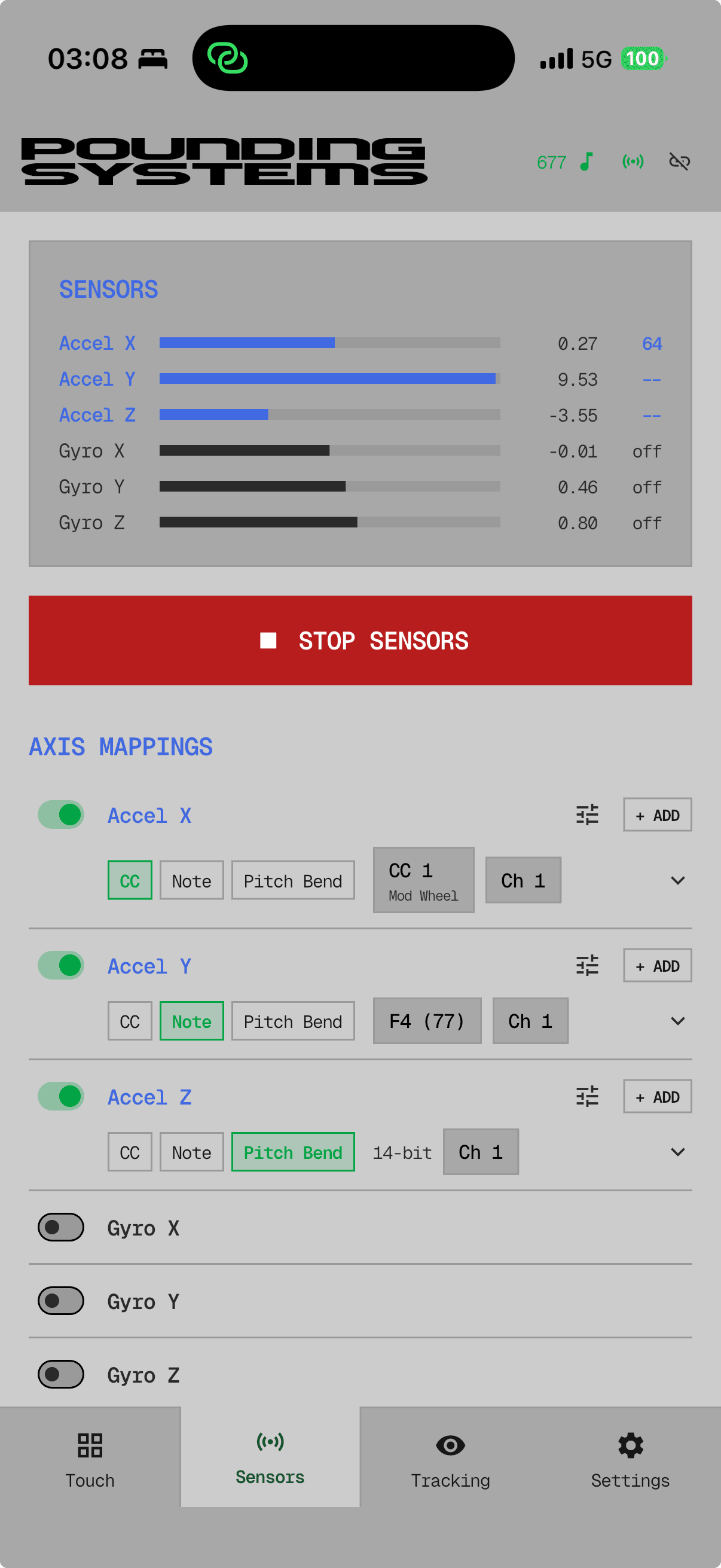
6-Axis Motion
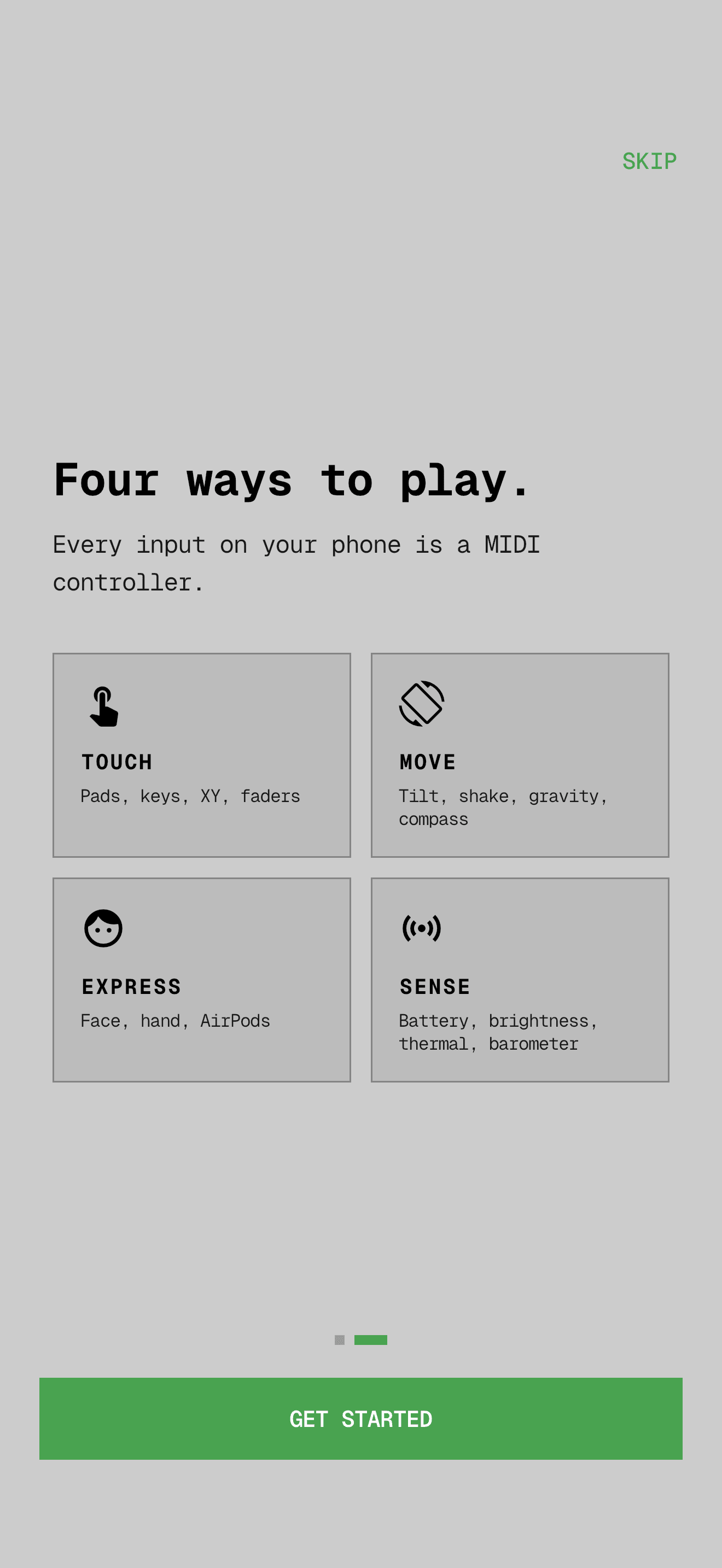
Accelerometer and gyroscope, each axis independently mapped to MIDI CC, Note, or 14-bit Pitch Bend.
Sensor Catalog
Compass, barometer, gravity, shake, battery, charging state, brightness, thermal — all mappable to MIDI.
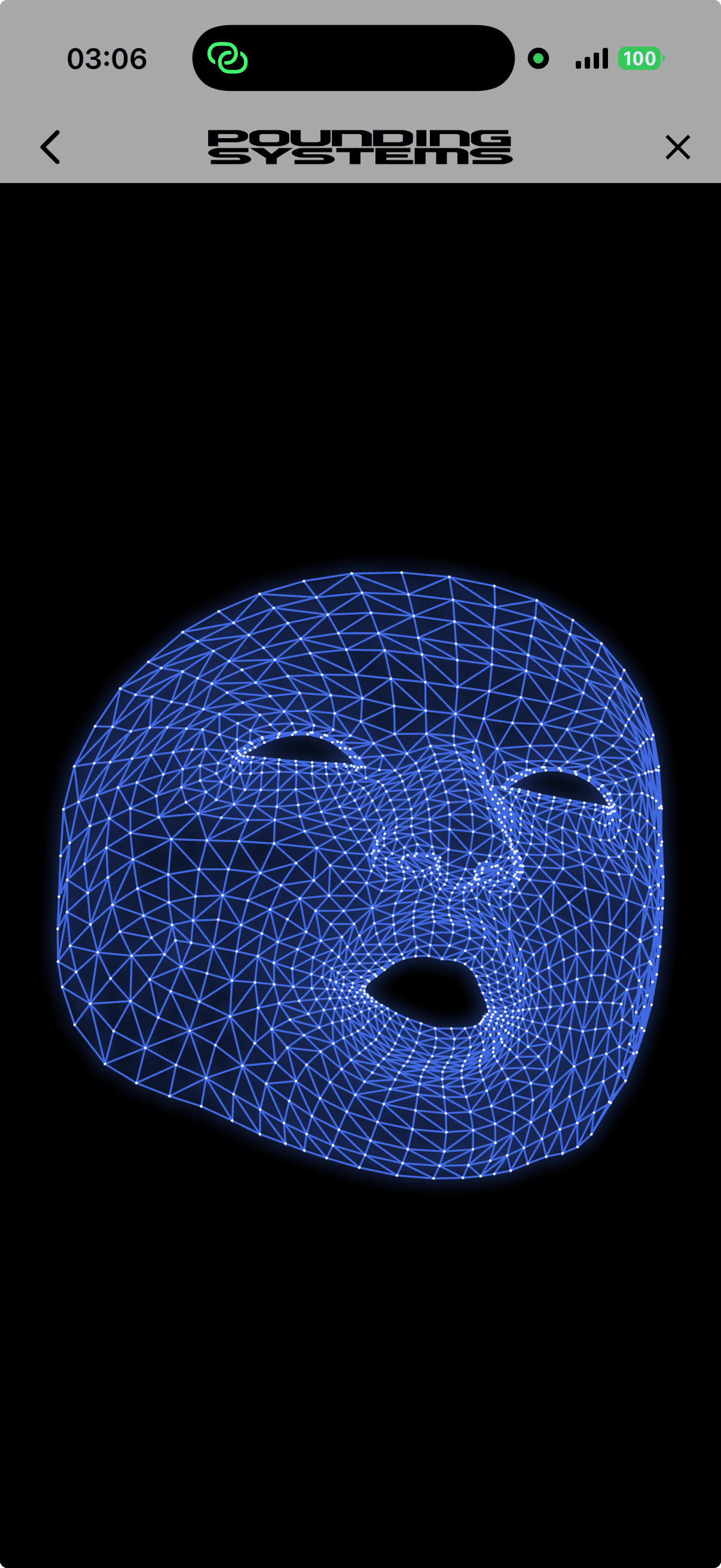
Face Tracking
ARKit blendshapes stream facial expressions to MIDI. Smile, blink, raise an eyebrow — any gesture, any parameter.
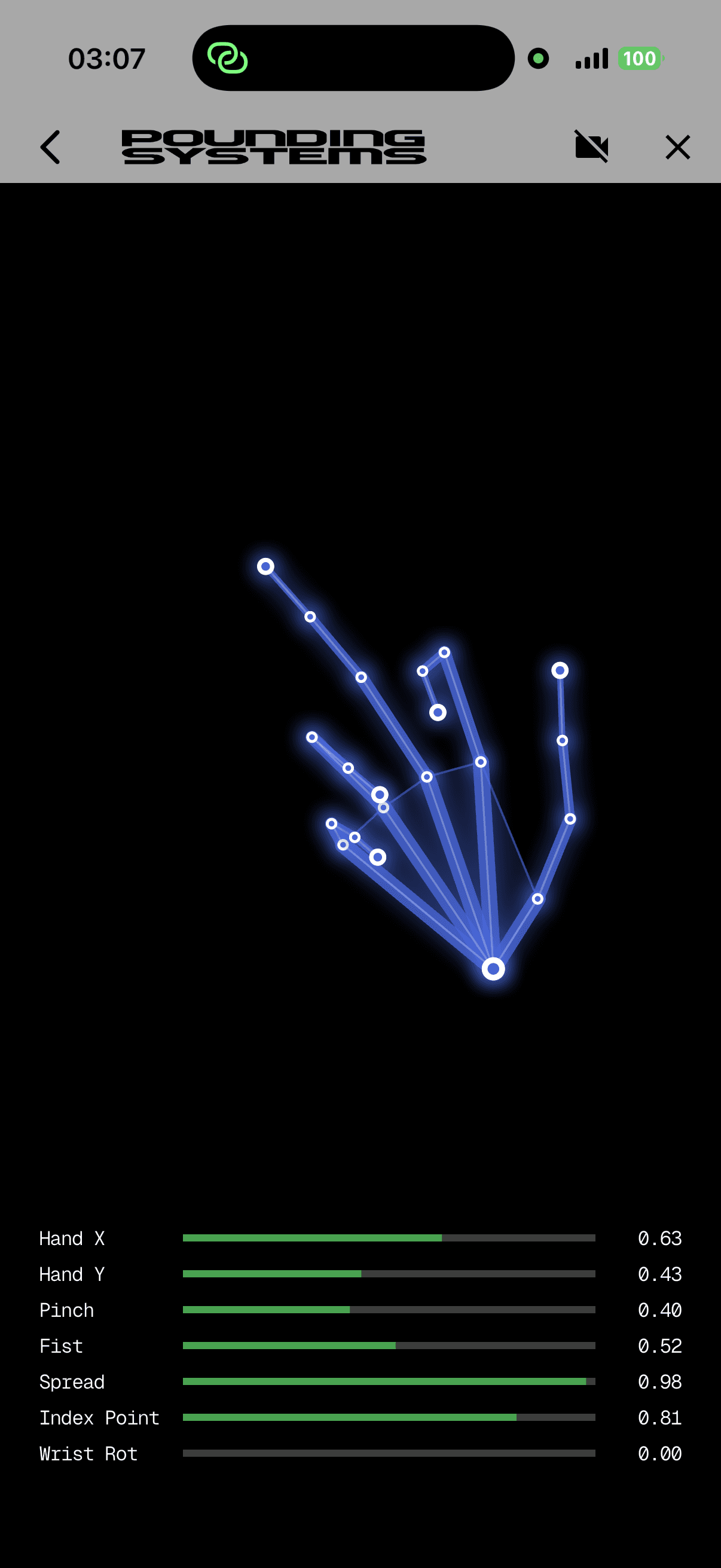
Hand Tracking
Apple Vision tracks hand position and pinch gestures. Play in the air, no touch required.
AirPods Head Motion
CoreMotion reads head yaw, pitch, and roll from compatible AirPods. Nod and turn to shape your sound.
2 MIDI Transports
Bluetooth LE MIDI and USB MIDI. Connect to any DAW or synth.
Scales & Chords
30+ scales and 31 chord types constrain pads and keys to the notes you want. Tap a chord with one finger.
Presets
Save, load, import, and export full mapping configurations. Share presets with other Mobile MIDI users.
Zero Data Collection
No accounts, no sign-in, no analytics, no telemetry. Everything runs on-device. Your camera never leaves your phone.
About Mobile MIDI
Mobile MIDI is a music controller for iPhone. Open it, pick a template, connect to your DAW, and start playing — no hardware, no cables, no sign-in. Every input your phone can measure (touch, motion, orientation, face, hands, AirPods head movement, even battery state) can be mapped to MIDI and streamed to any synth or DAW on your desk over Bluetooth LE or USB.
It's the missing expressive controller for people who already have a phone in their pocket. MPE-capable pads and keys give you per-finger pitch bend and slide. Sensor filtering keeps motion data musically useful instead of noisy. And every preset — including layouts you design yourself — is saved locally and can be shared as a file.
How Mobile MIDI Works
- 1.Install Mobile MIDI from the App Store and open it on your iPhone.
- 2.Pair your phone with your DAW — over Bluetooth MIDI or a USB cable.
- 3.Pick a touch template (pads, keys, XY, faders) or build a custom layout.
- 4.Optionally enable motion, face, hand, or AirPods tracking and map any axis to any MIDI parameter.
- 5.Play. Your DAW receives standard MIDI — the same as any hardware controller.
Connection Options
Bluetooth LE MIDI
Wireless, cross-platform. Works with macOS, Windows, Linux, and any BLE-MIDI receiver. No adapter needed.
USB MIDI
Lowest latency. Plug in via USB-C or Lightning + camera adapter. Phone appears as a USB MIDI device.
DAW Compatibility
Mobile MIDI sends standard MIDI. It works with any DAW or synth that accepts MIDI input:
Requirements
- >iPhone running a recent version of iOS (iPad supported).
- >A MIDI-compatible destination: any DAW, synth, or MIDI endpoint.
- >Face tracking requires a device with a TrueDepth front camera.
- >AirPods head motion requires AirPods (3rd gen), AirPods Pro, or AirPods Max.
Documentation
Full guides for connecting to your DAW over USB or Bluetooth, plus touch surfaces, motion mapping, face and hand tracking, MPE, custom layouts, and presets.
Read the DocumentationPrivacy
Mobile MIDI does not collect, transmit, or store any personal information. No accounts. No analytics. No telemetry. Sensor, camera, and AirPods data are processed entirely on-device and never leave your phone.
Read the Privacy PolicyFrequently Asked Questions
Where can I download Mobile MIDI?
Mobile MIDI is available on the App Store for iPhone and iPad.
Is there an Android version?
Not at launch. Mobile MIDI ships on iPhone and iPad first. Android is under consideration.
Do I need special hardware?
No. If you have an iPhone and a DAW that accepts MIDI, you're set. Bluetooth MIDI pairs directly from iOS; USB MIDI needs only a cable.
How is this different from other MIDI apps?
Most iPhone MIDI apps give you touch pads. Mobile MIDI also turns accelerometer, gyroscope, compass, gravity, face blendshapes, hand tracking, and AirPods head motion into MIDI — plus MPE on every touch surface. And it collects zero data.
Can I build my own layout?
Yes. The custom layout editor lets you place pads, faders, and XY controllers anywhere on screen, save them as a reusable preset, and share the preset file with other users.
What's the latency like?
Fine for most musical use. USB MIDI is fastest (~1–2 ms transport). BLE MIDI adds ~10–20 ms. Mobile MIDI's own processing overhead is small and framework-limited.